Best running apps: tracking, coaching, and training plans
Summary: Choose a running app by deciding whether you need a logbook or a training plan. Strava is useful for recording and sharing activities; Nike Run Club offers guided runs; adidas Running combines tracking with goals and challenges; Runna focuses on structured plans. Check local language and feature availability before building a routine around any app.
- Strava: activity log, community, and device connections; basic recording and sharing are free.
- Nike Run Club: guided runs and motivation, with local availability varying.
- adidas Running: GPS tracking, goals, and challenges.
- Runna: structured training for a race goal; full plans require a subscription.
Activity log
Strava
When to choose Strava?
Record and share activities, with a social layer.
Read reviewGuided runs
Nike Run Club
When to choose Nike Run Club?
Guided runs and motivation, subject to local availability.
Read reviewGoals and challenges
adidas Running

When to choose adidas Running?
GPS tracking with goals and challenges.
Read reviewRace training
Runna
When to choose Runna?
Structured training plans built around a race goal.
Read review
Whether you are starting to run or working toward a faster time, an app can help you track your progress.
A running app can record your route and pace, keep your training history, or guide you through a plan. Start by deciding whether you need a logbook, audio guidance, or a schedule for your next race.
Table of contents
Comparison table
| Feature | Strava | Nike Run Club | adidas Running | Runna |
|---|---|---|---|---|
| Best fit | Logbook and community | Guided runs | Goals and challenges | Race preparation |
| iPhone | App Store | App Store | App Store | App Store |
| Android | Google Play | Google Play | Google Play | Google Play |
| Main trade-off | Some analysis and route tools are paid | Language and plans vary by region | Check current premium limits | Full plans are paid |
1) Strava
An activity log with a social layer
When should you consider Strava?
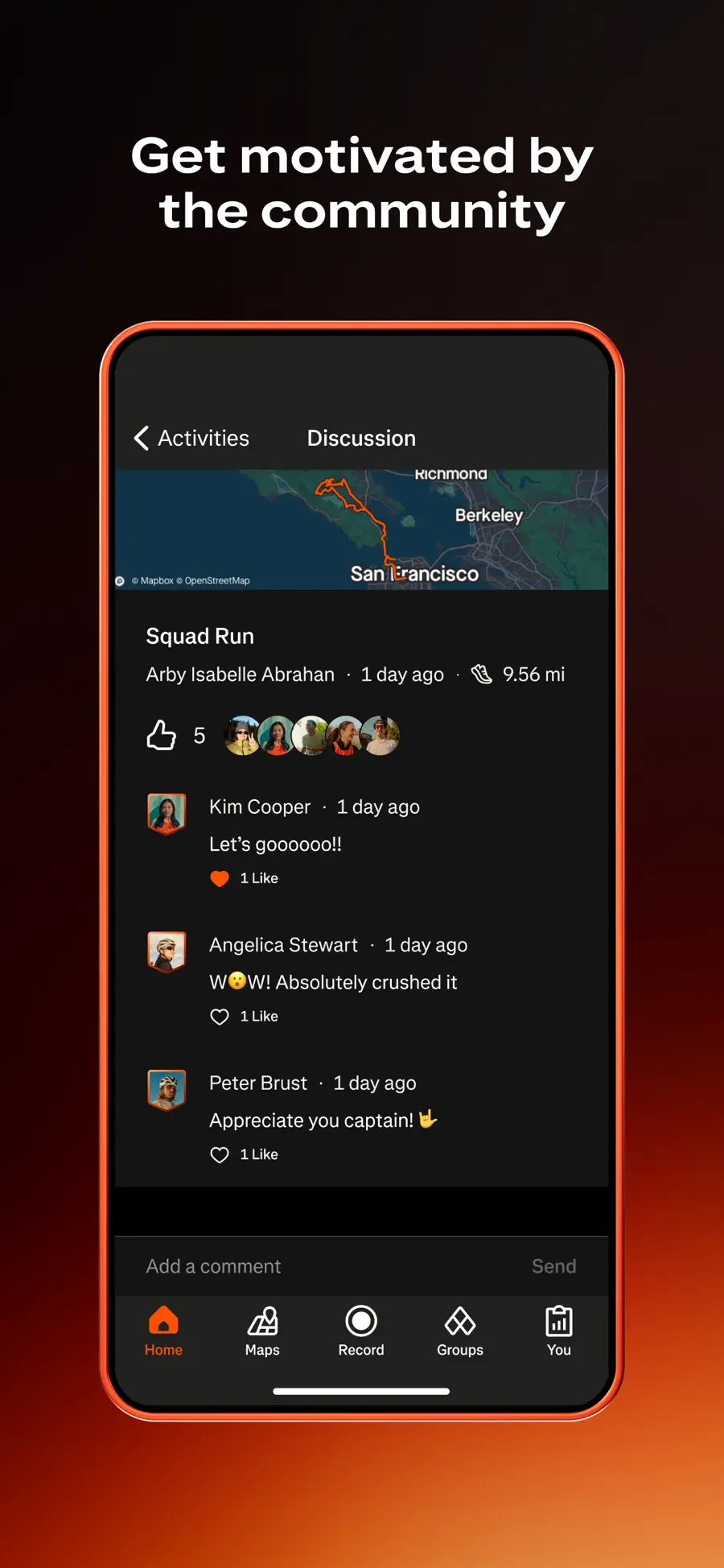
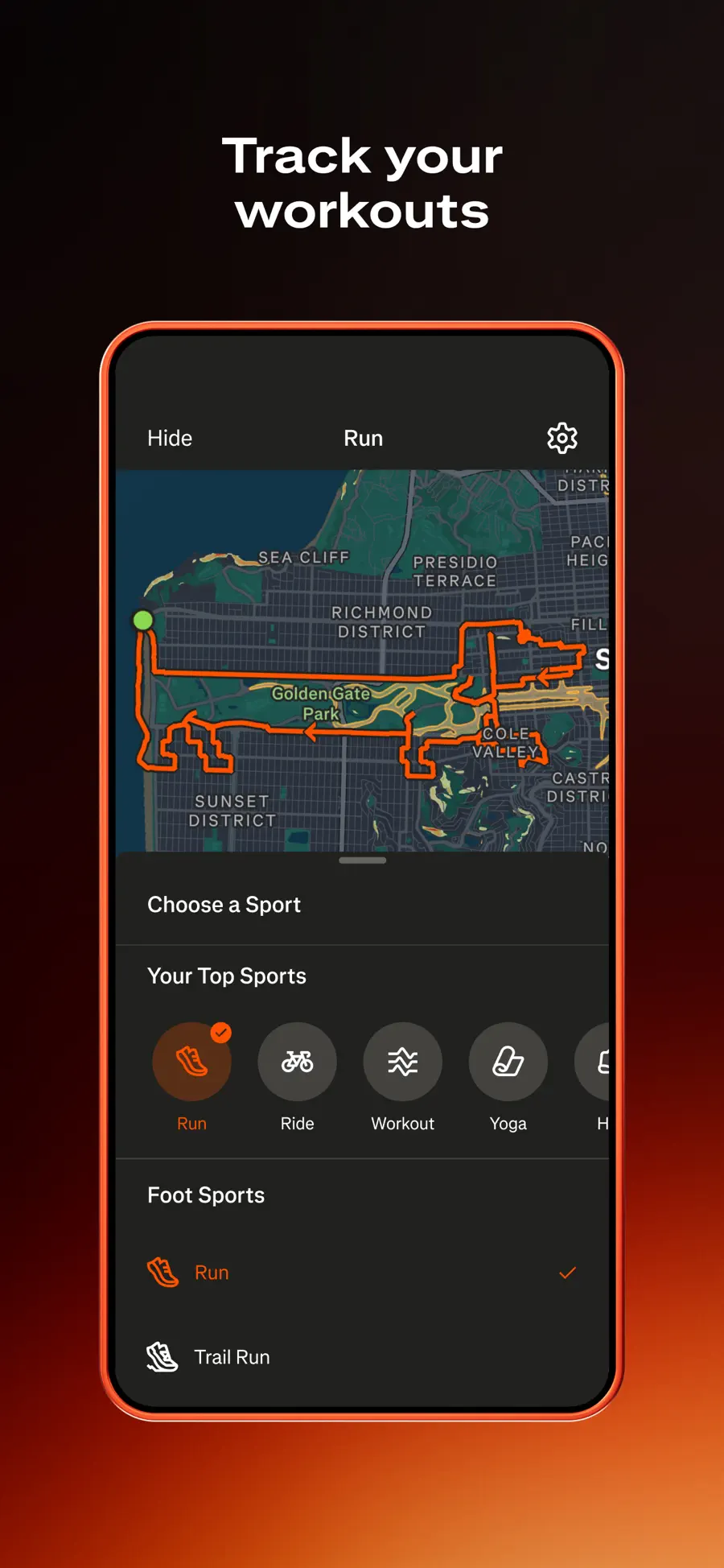
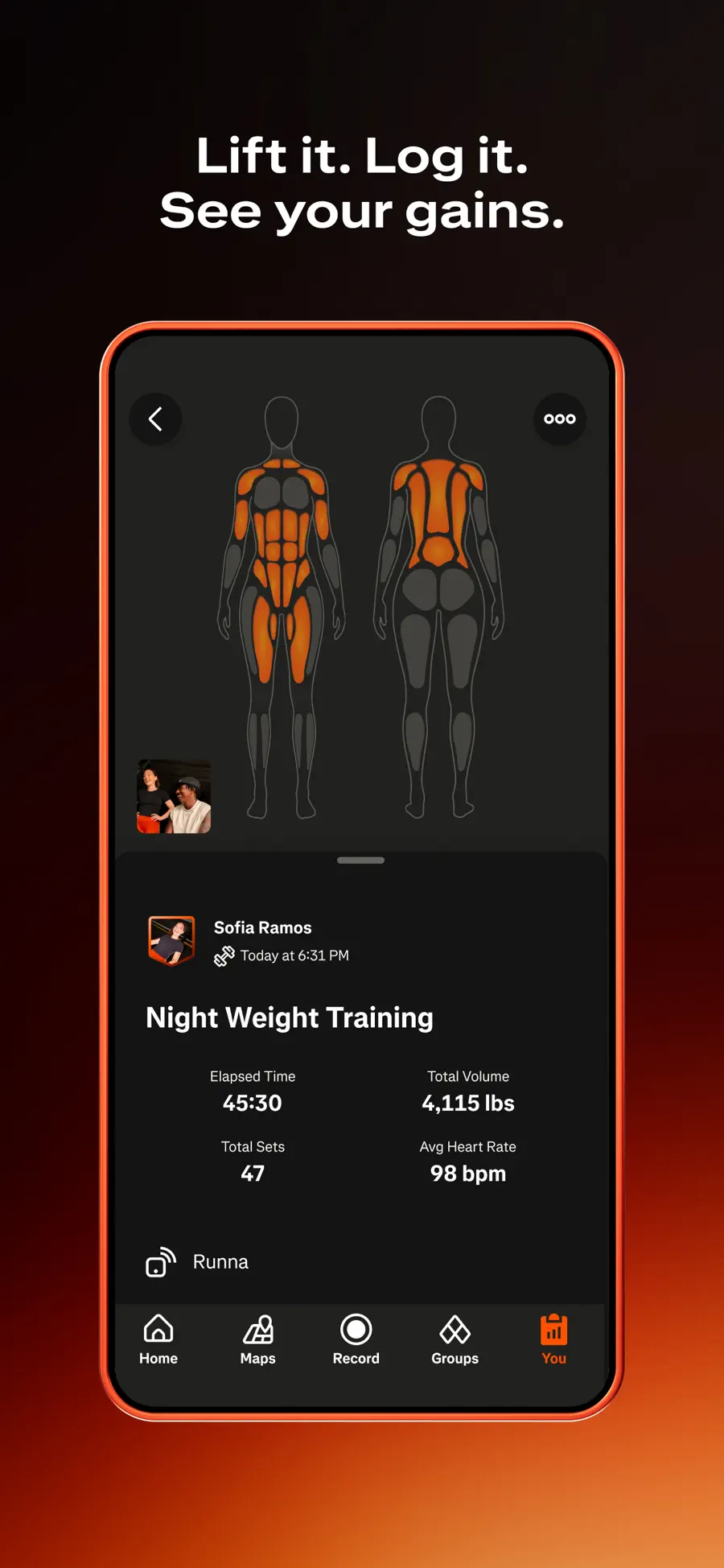
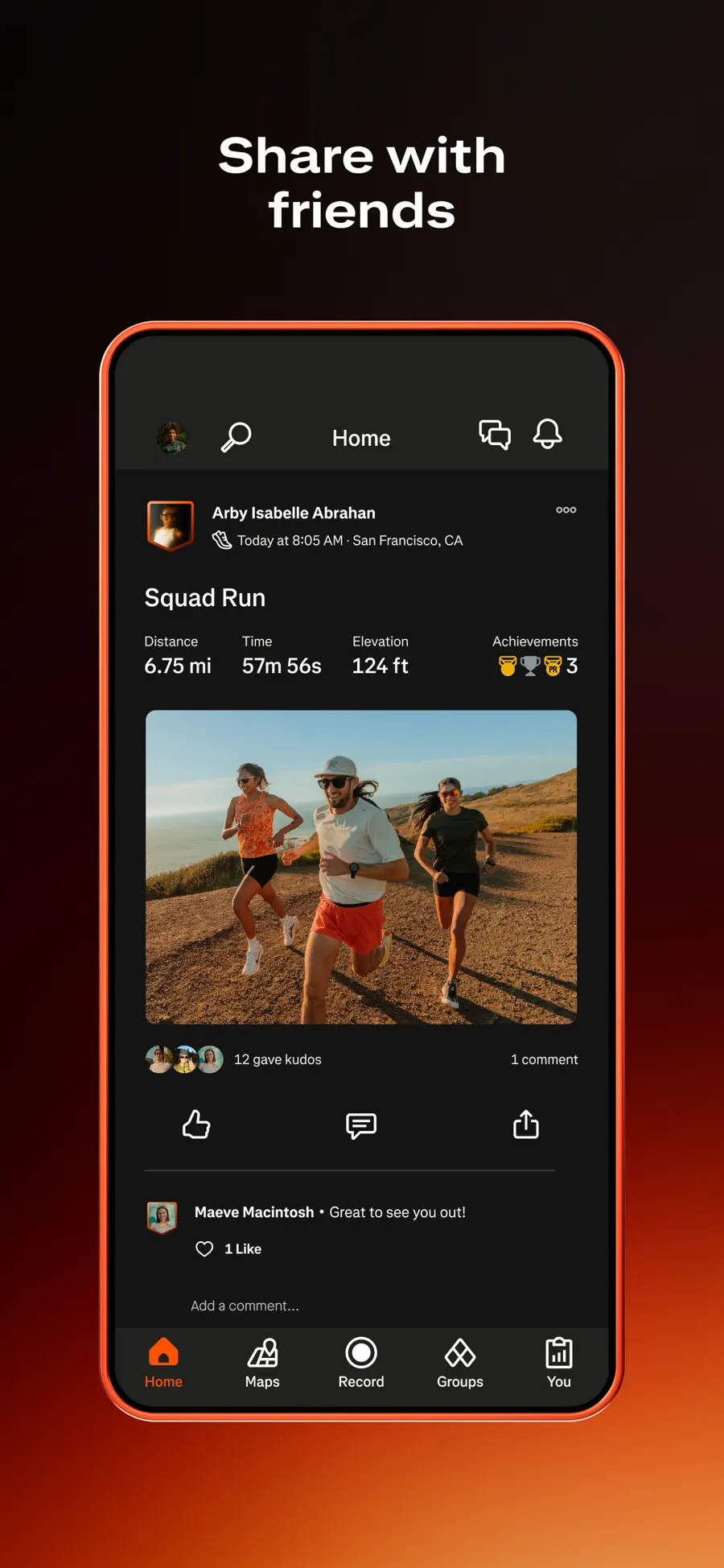
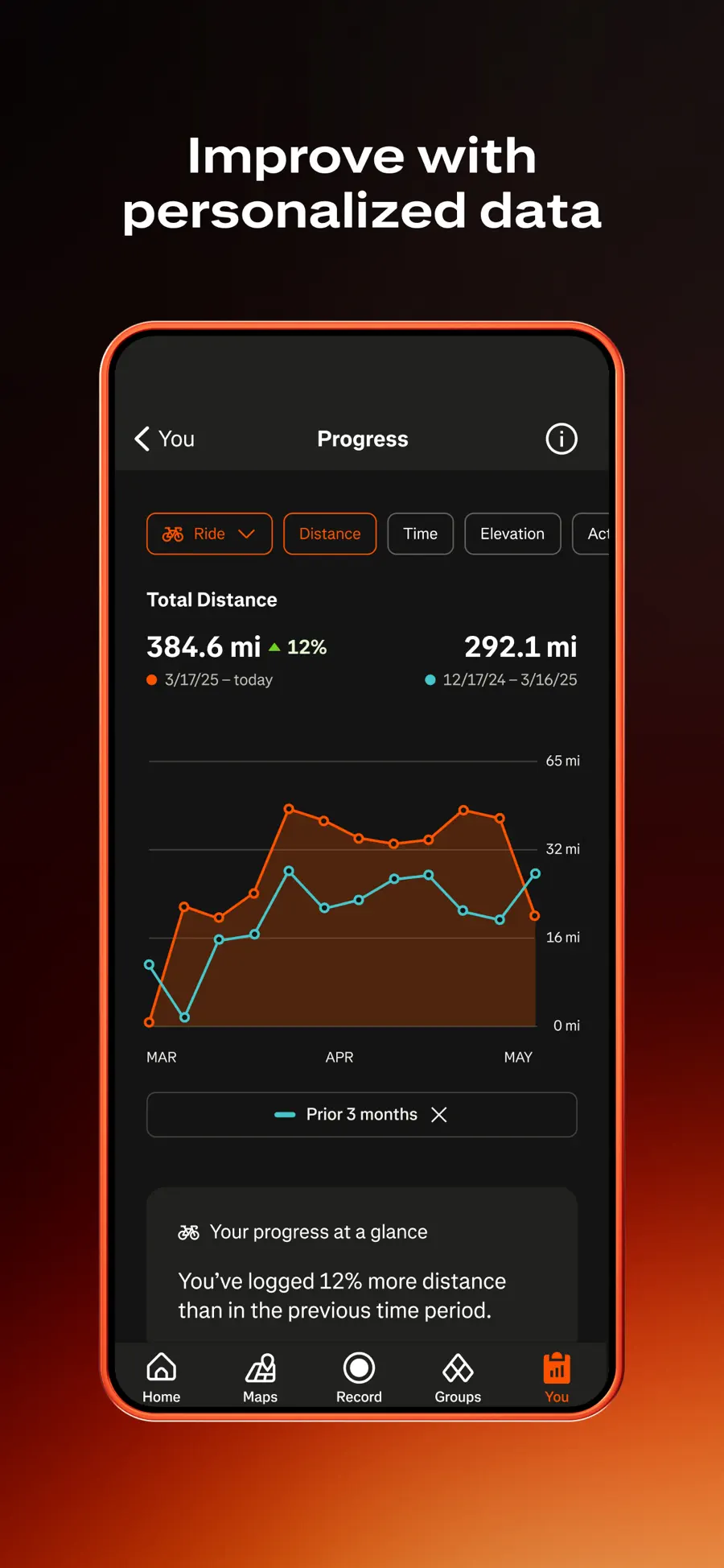
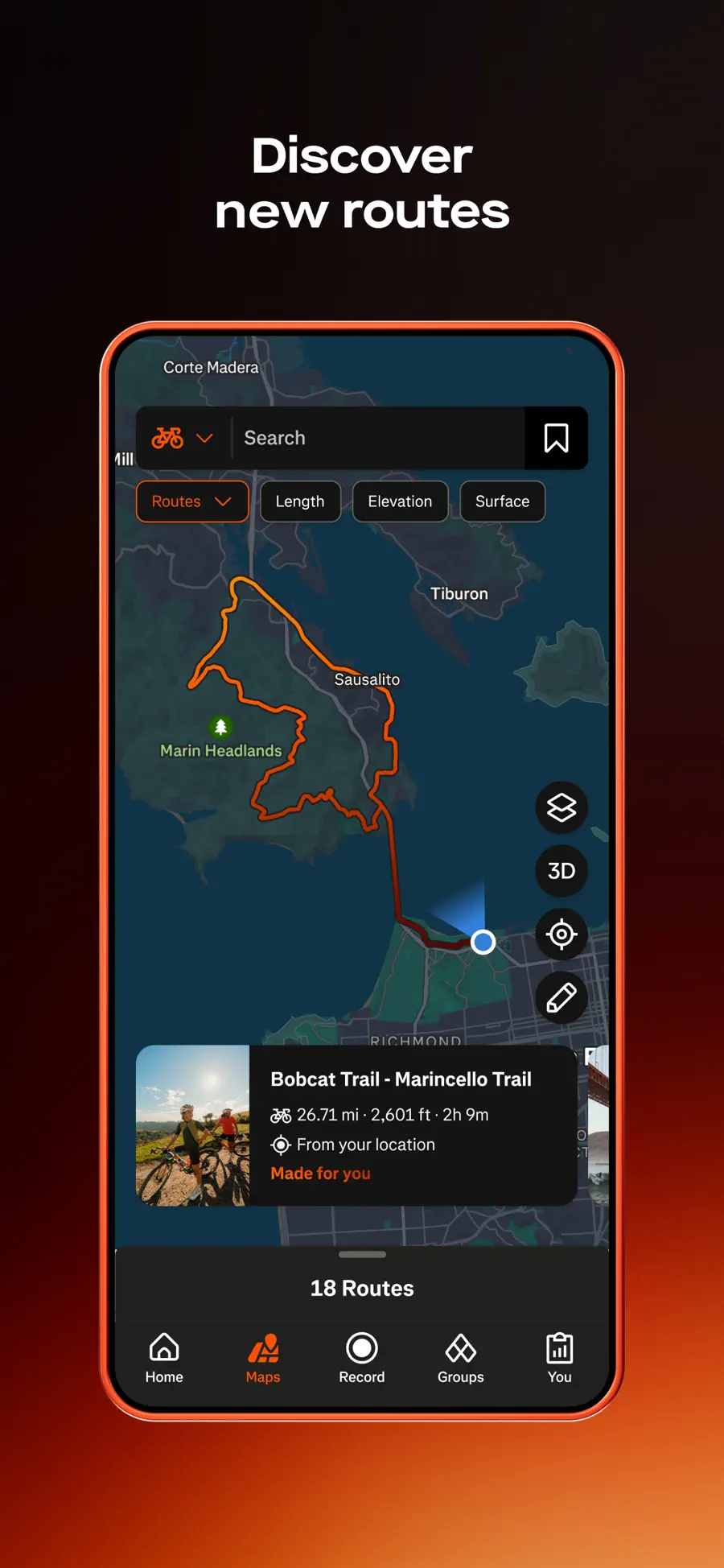
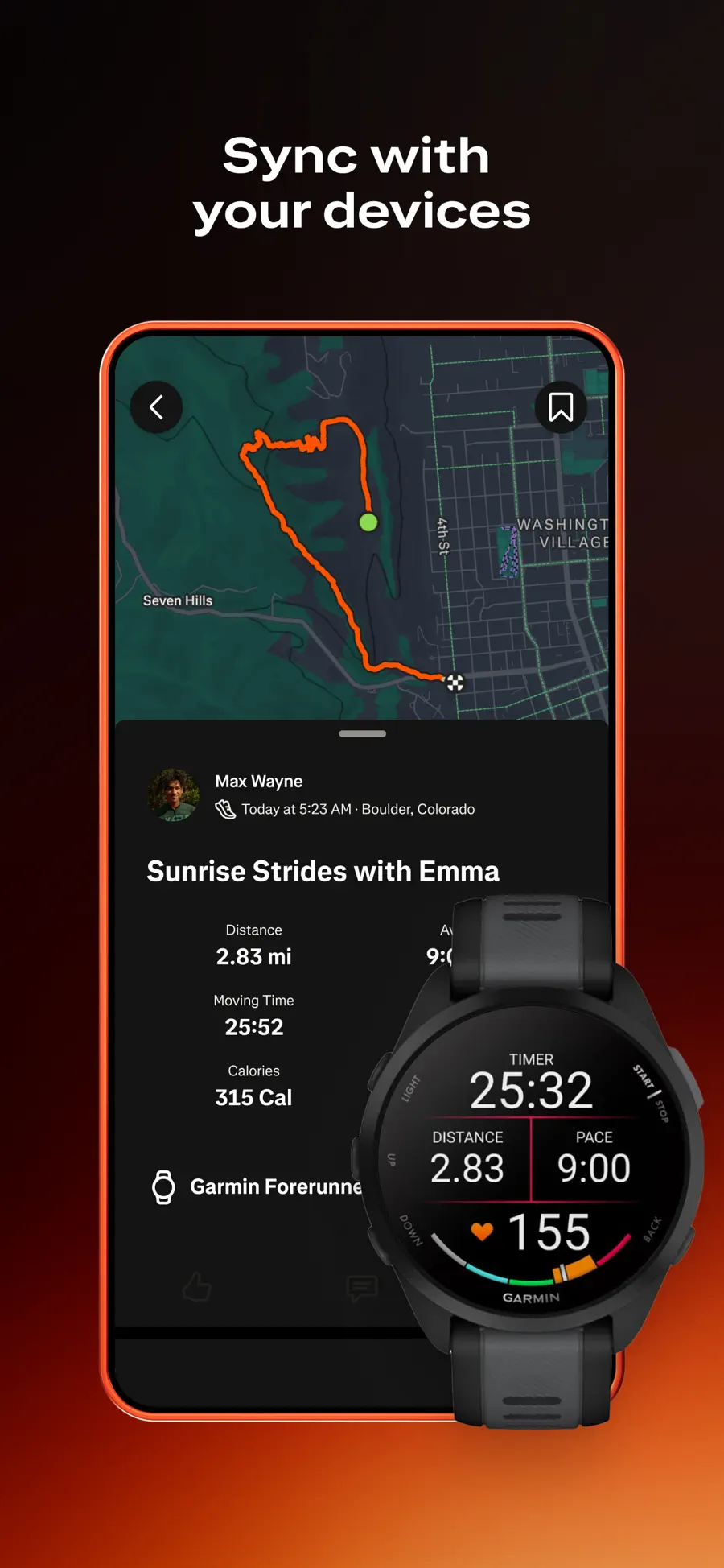
Use it if you want to record runs, review progress, and share activities. Strava says recording and sharing are free; its subscription adds features such as deeper analysis and route tools. Set privacy controls before sharing a route that starts at home.
| Feature | Summary |
|---|---|
| Platforms | iPhone, Android, web |
| Recording | Free activity recording and sharing |
| Best for | Logbook, community, device connections |
| Check before use | Privacy zones and subscription-only tools |
PROS
- Record and share activities without a subscription.
- Connect activities from supported devices.
CONS
- Some route planning and deeper analysis require a subscription.
- A social feed may be unnecessary for a private training log.
2) Nike Run Club
Guided runs at no subscription cost
When should you consider Nike Run Club?
Try it if audio coaching helps you keep moving and the guided runs available in your country match your language. Check what is currently available in the app before relying on a specific training plan.
| Feature | Summary |
|---|---|
| Platforms | iPhone, Android |
| Best for | Guided runs and motivation |
| Check before use | Local language and plan availability |
PROS
- Run tracking and guided content in the app.
- A focused alternative to a social activity feed.
CONS
- Guided runs and plans vary by region and language.
- Less useful if you want a broad multi-sport network.
3) adidas Running
Goals and challenges alongside GPS tracking
When should you consider adidas Running?
Consider it if you want GPS records and a system of goals or challenges, including activities beyond running. Check the current free and paid boundaries before relying on a coaching feature.
| Feature | Summary |
|---|---|
| Platforms | iPhone, Android |
| Best for | Activity tracking and goals |
| Check before use | Current premium plan and device sync |
PROS
- Supports more than running.
- Goals and challenges add structure.
CONS
- Some coaching and analysis tools may be paid.
- More settings than needed for a simple run timer.
4) Runna
A plan built around a race goal
When should you consider Runna?
Use Runna if you want a schedule that translates a race target into planned sessions. A structured plan is more useful when its weekly workload fits your schedule and training background.
| Feature | Summary |
|---|---|
| Platforms | iPhone, Android |
| Best for | Structured race preparation |
| Main limitation | Full training plans require a subscription |
PROS
- Organizes training around a stated goal.
- More focused on planning than a general activity feed.
CONS
- Full training plans are paid.
- Adjust the schedule to your health, recovery, and experience.
How to choose
For a first run, use the app that records reliably on your phone and lets you review the route afterward. If you own a sports watch, confirm that it imports activities before switching your logbook. For a race plan, compare the weekly workload with the days you can train.
Frequently asked questions
Can I track runs for free?
Yes. Strava currently allows free activity recording and sharing, and these apps also have free tracking features. Paid plans tend to add analysis, routes, or training content.
Do I need a running watch?
No. A phone can record GPS activities. A watch may be more convenient and can provide additional measurements, but the app needs to support your device.
Which app is best for a race plan?
Runna is the most focused of these choices on structured plans. Check current plan details and consider your training background before following a schedule.
Sources and methodology
This comparison adapts the original six-app article, keeping four options with different uses. Store links point to the identified official listings. Feature availability can vary by country, app version, and plan.
- Strava Support. Is Strava free?. Accessed 11 October 2026.
- Nike. Nike Run Club. Accessed 11 October 2026.
- adidas. adidas Running. Accessed 11 October 2026.
- Runna. Plans and coaching. Accessed 11 October 2026.