Best VPN services: four strong choices for different needs
Summary: Choose a VPN by the job you need it to do. NordVPN is a balanced paid option; Surfshark suits households with several devices; Proton VPN offers a free plan with no data cap but fewer location choices; and ExpressVPN focuses on guided apps. A VPN encrypts the connection to its provider and changes the public IP many sites see. It does not make you anonymous or stop tracking inside signed-in accounts.
- NordVPN for a broad paid service.
- Surfshark for many devices on one account.
- Proton VPN to start without a data allowance.
- ExpressVPN if guided setup is a priority.
Everyday choice
NordVPN
When to choose NordVPN?
Balanced paid VPN for everyday use.
Read reviewMany devices
Surfshark
When to choose Surfshark?
A practical option for a household with many devices.
Read reviewFree plan
Proton VPN
When to choose Proton VPN?
Free plan with no data limit and a narrower location choice.
Read reviewSimple setup
ExpressVPN

When to choose ExpressVPN?
Guided setup and apps for common devices.
Read review
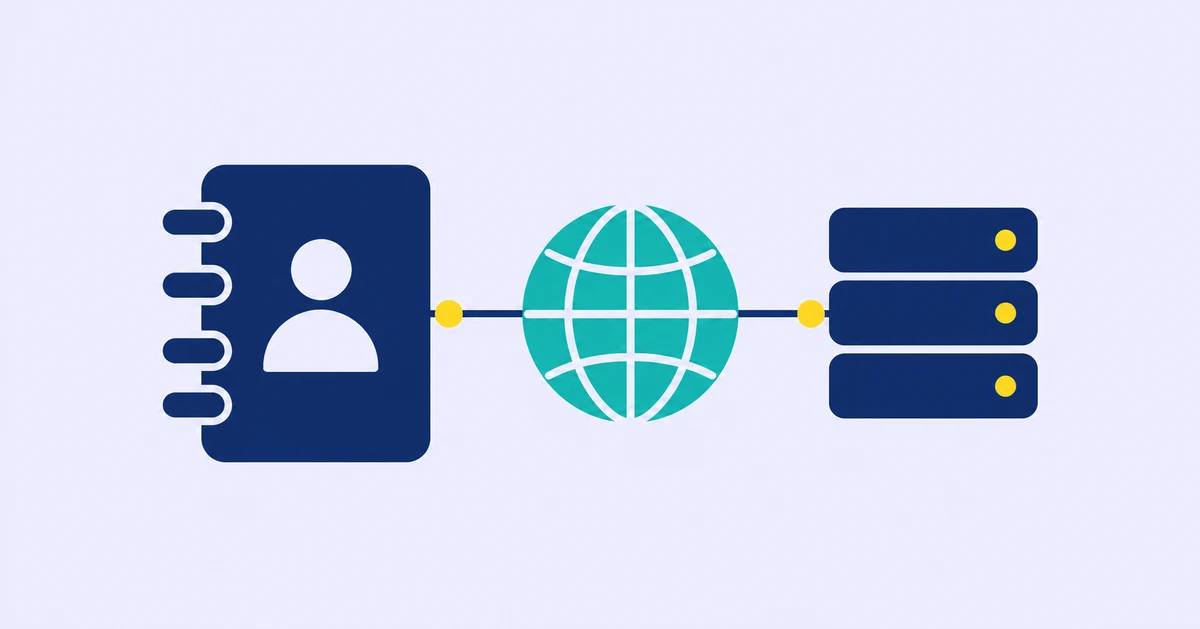
A VPN routes your connection through its servers and changes the public IP address that websites see.
Compare providers by the devices you use, the locations you need, and the features included in the plan. A VPN does not make you anonymous or prevent tracking inside accounts you sign in to.
Table of contents
Comparison table
| Feature | NordVPN | Surfshark | Proton VPN | ExpressVPN |
|---|---|---|---|---|
| Best fit | Everyday paid use | Many devices | Free plan | Simple setup |
| Free plan | No | No | Yes, fewer locations | No |
| Main trade-off | Subscription cost | Plan differences | Narrower location choice | Premium pricing |
| Test before buying | Your normal network | All household devices | Location and speed | App and device support |
1) NordVPN review
A well-rounded paid VPN
When should you consider NordVPN?
Consider it for travel, public Wi-Fi, and everyday browsing if you want guided apps and optional security tools. NordVPN's support pages describe a kill switch, DNS leak protection, and several protocols. Check which features your device and plan actually include.
NordVPN announced in 2025 that it planned to discontinue Meshnet, then reversed that decision after user feedback. Its October 2025 update says Meshnet will remain available; because product plans can change, verify the live support page before depending on it.
| Feature | Summary |
|---|---|
| Platforms | Windows, macOS, Linux, iOS, Android; support varies by feature |
| Free plan | No permanent consumer VPN plan |
| Protocols | NordLynx, OpenVPN, IKEv2/IPsec where supported |
| Main limitation | Paid service; prices and feature access vary by plan |
PROS
- Apps for common desktop and mobile systems.
- Optional tools alongside the VPN connection.
CONS
- No permanent free plan.
- Security features can differ by platform and subscription.
2) Surfshark review
One service for a household with many devices
When should you consider Surfshark?
Consider it when one subscription needs to cover devices used by several people. Confirm the current device and plan terms, and install the apps on the devices you rely on before committing.
| Feature | Summary |
|---|---|
| Platforms | Windows, macOS, Linux, iOS, Android; support varies by feature |
| Free plan | No |
| Main strength | Broad device coverage |
| Main limitation | Plan features and renewal costs need a close read |
PROS
- Practical for a household with many devices.
- Apps available for common platforms.
CONS
- No permanent free plan.
- Advanced features may require a higher plan.
3) Proton VPN review
A useful no-cost starting point
When should you consider Proton VPN?
Its free plan works when you want to avoid a monthly data cap. Proton's plan page lists one device at a time and a limited, randomly selected set of locations on the free tier. Paid plans add more location choice and features.
| Feature | Summary |
|---|---|
| Platforms | Windows, macOS, Linux, iOS, Android, browser extensions |
| Free plan | Yes; one device at a time and fewer locations |
| Data allowance | No monthly data limit on the free tier |
| Main limitation | Fewer locations and premium features |
PROS
- Free tier without a monthly data cap.
- Open-source apps and published security information.
CONS
- The free tier offers less location choice.
- Do not assume every streaming service works with it.
4) ExpressVPN review
Guided setup across common devices
When should you consider ExpressVPN?
It may suit you if you value a guided setup and straightforward apps. Check platform coverage and compare the full subscription and renewal cost with the alternatives.
| Feature | Summary |
|---|---|
| Platforms | Windows, macOS, Linux, iOS, Android, routers; support varies |
| Free plan | No permanent free plan |
| Main strength | Guided apps and setup |
| Main limitation | Premium subscription pricing |
PROS
- Guided apps for common devices.
- Setup information for less familiar platforms.
CONS
- No permanent free plan.
- Compare the renewal terms before choosing a long subscription.
What to check before buying
A VPN provider can see connection metadata, so trust matters alongside encryption. Look for an independent audit, read its scope, and check what account data the provider still processes. An audit applies to a particular assessment, not every future version of every app.
Frequently asked questions
Does a VPN make me anonymous?
No. A VPN changes the route and public IP many sites see, but cookies, accounts, browser fingerprints, payments, and provider records can still identify activity.
Is a free VPN safe?
Some providers are responsibly funded; others may monetize through ads or data practices. Check the company, privacy policy, audits, and free-plan limits.
Which VPN should I try first?
NordVPN is a balanced paid choice. Proton VPN has a free plan with unlimited data and less location choice.
Sources and methodology
The comparison considers documented platform support and plan boundaries. Product statements come from official provider sources; recommendations are editorial judgments and do not guarantee speed, privacy, or access to a streaming library.
- NordVPN Support. VPN features. Accessed 11 October 2026.
- NordVPN. Meshnet remains available. Accessed 11 October 2026.
- Proton VPN. Plan comparison and free plan. Accessed 11 October 2026.
- Surfshark. Plans. Accessed 11 October 2026.
- ExpressVPN. Plans. Accessed 11 October 2026.